Overview
David's Mighty Men
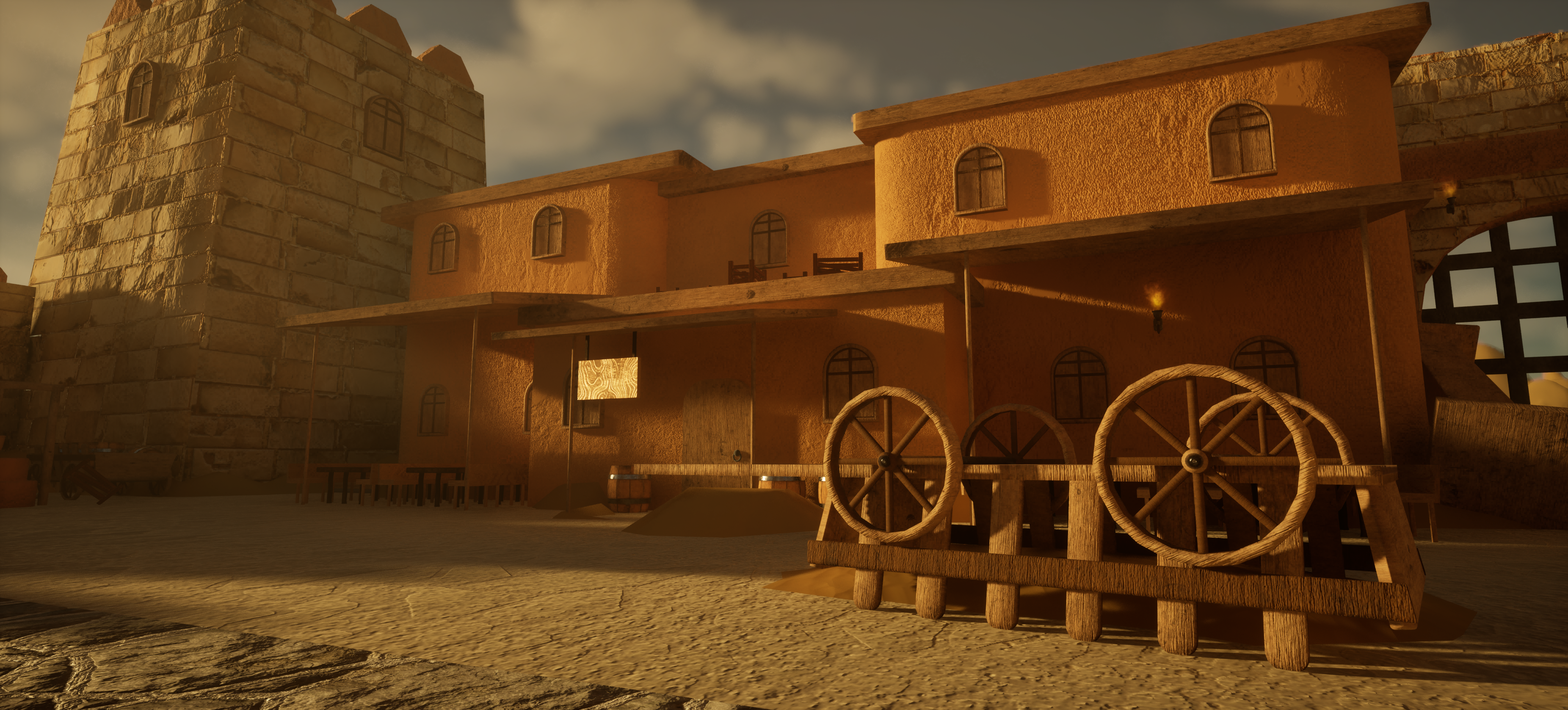
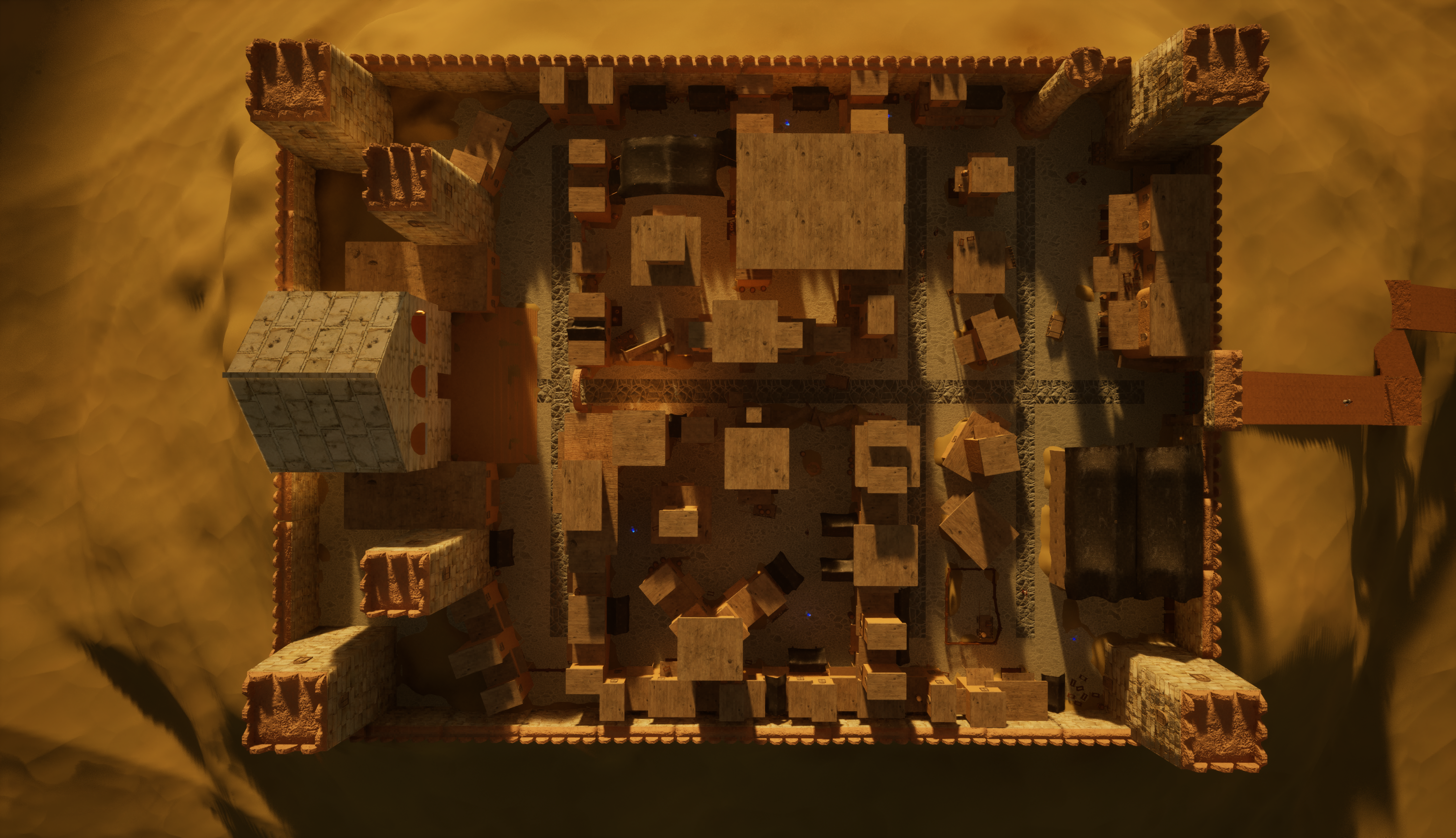
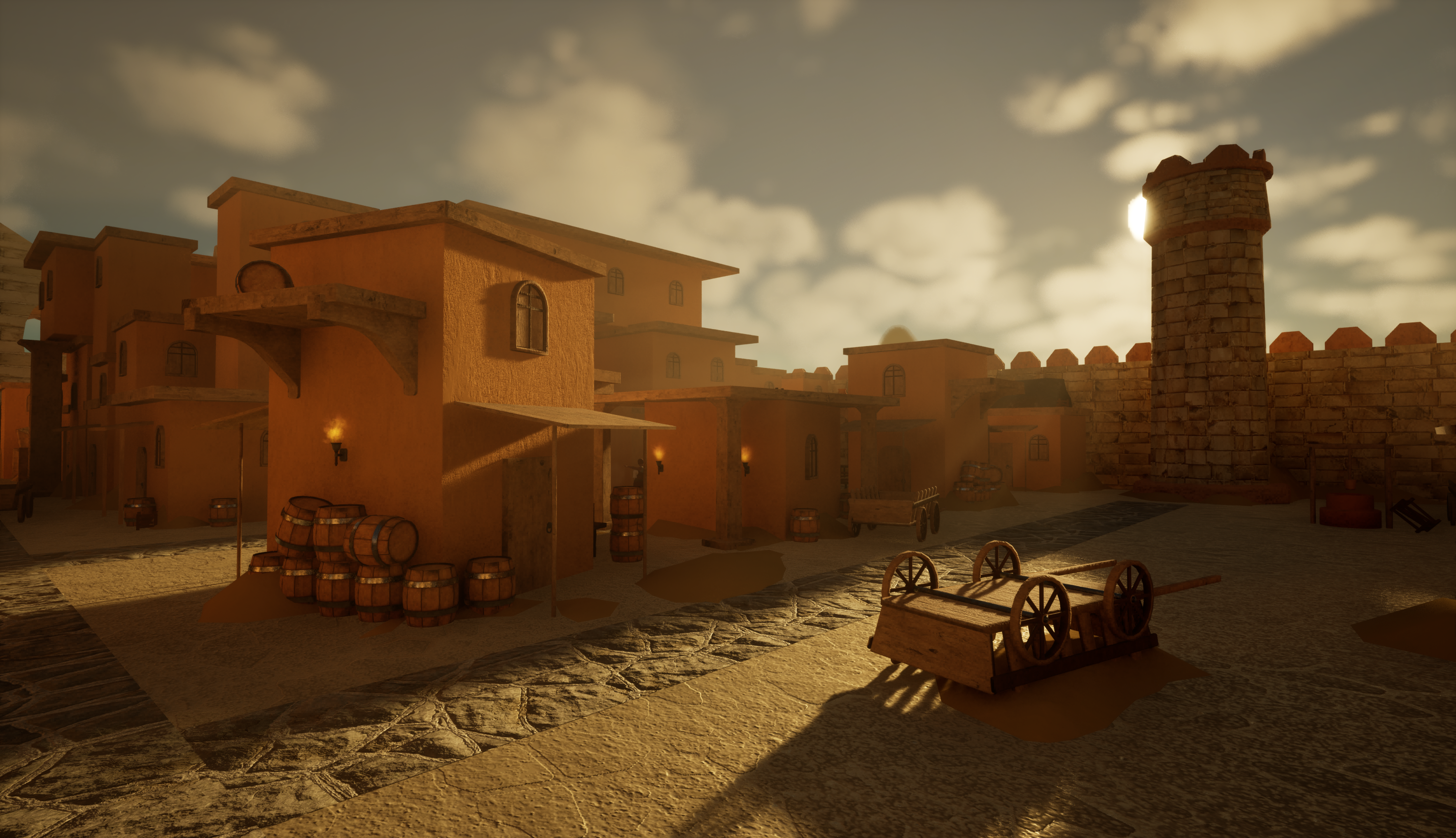
David's Mighty Men is a 3D Hack N' Slash Historical game set 3,000 years ago in the times of King David's reign. I led a team of six during the game's first three months of development up until vertical slice. I worked on project management, UI design, and gameplay programming.
Vertical Slice Gameplay Showcase
UI/UX Design
UI Video
As UI/UX Designer, I implemented all UI elements in game, ensuring seamless player interaction. I utilized Unreal Engine's CommonUI plugin to accomplish all my intended UI goals for the game. This game challenged me more than any other in my journey with UI/UX Design so far, and it ended up being very fun to make. My contributions for UI/UX design include:
- Main Menu: Button layouts for Start, Continue, Settings, Credits, and Quit with live menu background implemented.
- Settings Menu: Options to change video settings, audio settings, and view controls and combo lists.
- Video Settings: Options to change Resolution, Window Mode, Vsync, Frame Rate, and Graphics settings. These settings save once you apply them, with the option to reset to default implemented as well.
- Audio Settings: Options to change audio settings, including SFX, Music, and Voice Lines. These settings save once you apply them, with the option to reset to default implemented as well.
- Sensitivity Settings: Options to adjust mouse and controller sensitivity. These settings save once you apply them, with the option to reset to default implemented as well.
- Level Select: Select which level you want to play once you start the game.
- Pause Menu: Sets the game paused and gives options to Continue, view Settings, or Quit to Main Menu.
- All menus are fully controller compatible.
Gameplay Programming
Gameplay Programming Video
In the prototyping phase, I was tasked with developing systems related to our core gameplay mechanics. In the 2 week window we were given, I was able to successfully program all player movement and mechanics, providing the foundation for player engagement. I utilized a series of Blueprints and animation blend trees to accomplish this task. These systems include:
- Player movement: Basic walk to run function, synced up nicely with animation blend trees.
- Shielding: Player raises their shield to block incoming attacks.
- Strafing: With shield raised, player moves at a set speed with rotation locked.
- Dodging: Player performs quick movement displacement over a certain distance, depending on direction of controller.
- Lock On: Orients player camera towards an enemy when toggled. Disabled by toggle/walking away from target.
- Quick attacks: Short, quick swings dealing decent damage. A 1.5 second timer is fired for each time the player presses the Quick Attack input, giving them a short window of time before their combo resets. These attacks finish with a powerful ground strike.
- Strong attacks: Longer, slower swings that use more of the player’s momentum but do a lot of damage. A 1.5 second timer is fired for each time the player presses the Quick Attack input, giving them a short window of time before their combo resets. These attacks finish with a powerful aerial strike.
- Combining attacks: Players can switch between Quick and Strong Attacks mid combo, giving more freedom of expression and allowing more options for the player to experiment with, creating fun and engaging combat.
- Charge Attack: Long buildup releases a powerful swing, dealing a lot of damage.
- Divine intervention: When Divine Meter is full, player can call down powerful strike, devastating their opponents as an engaging cinematic plays.
Project Management
Project Management
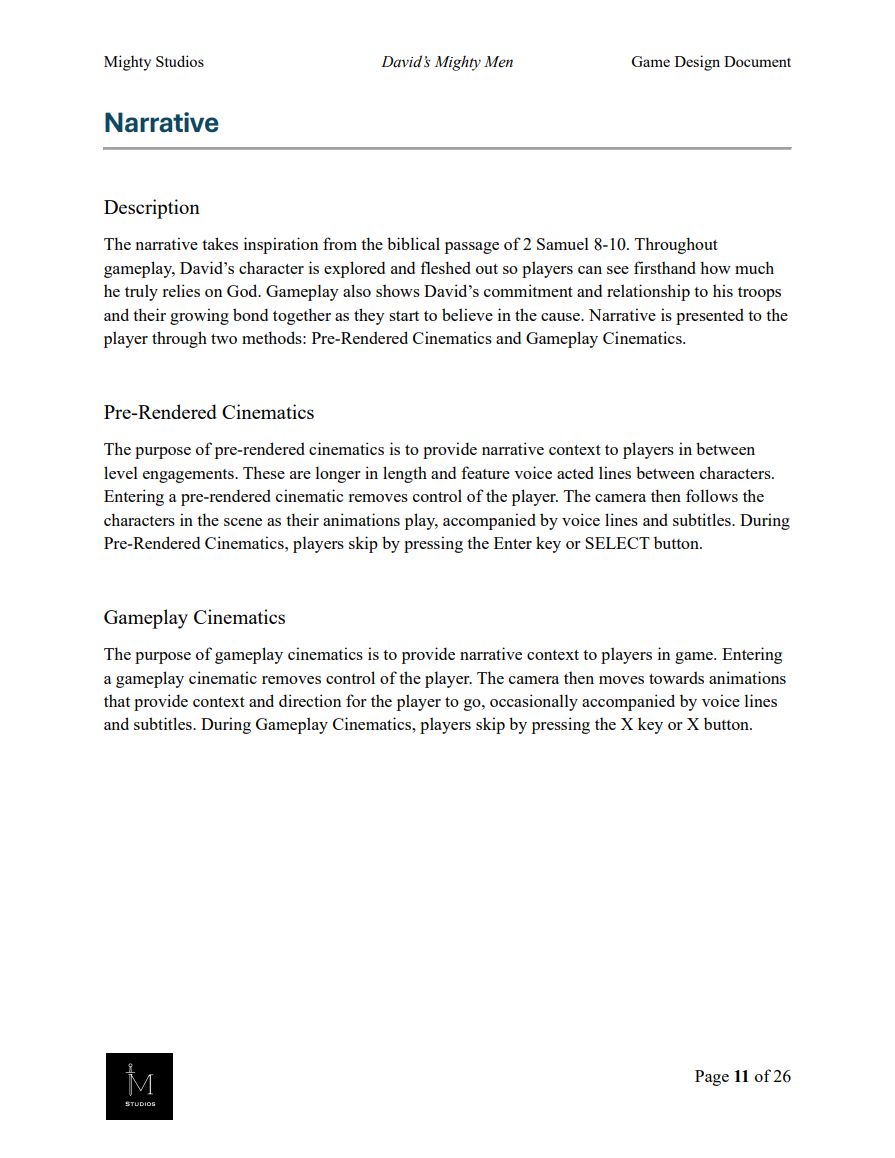
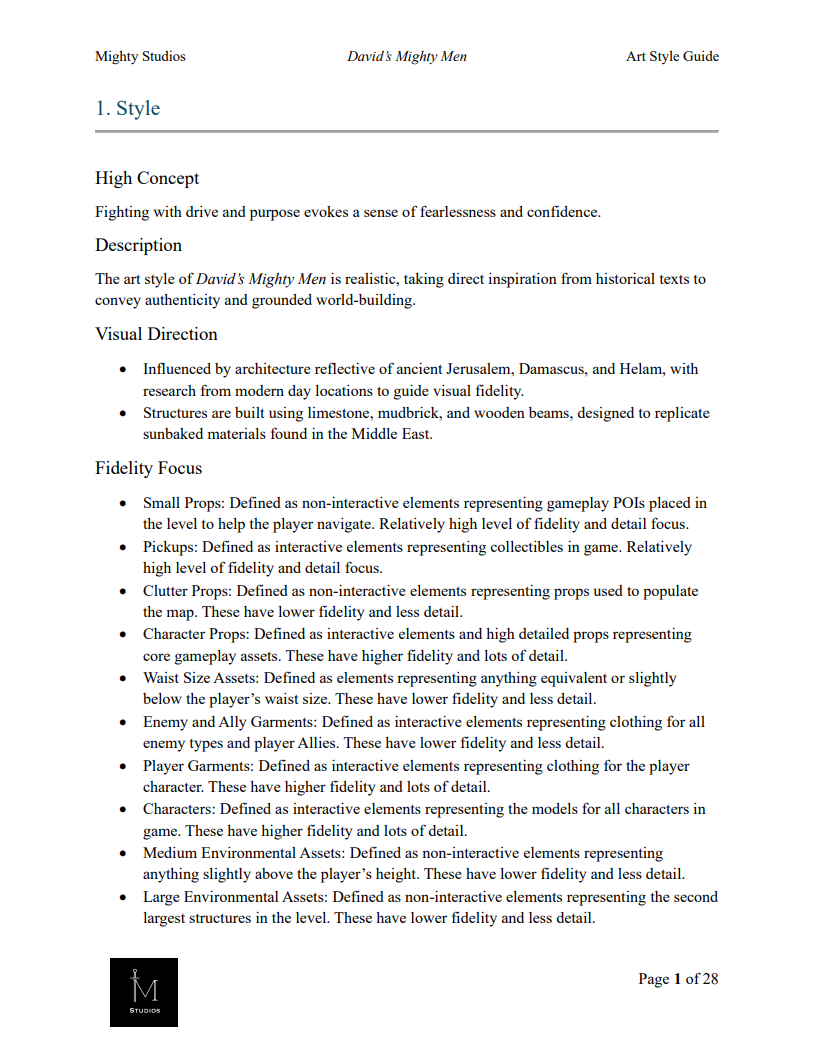
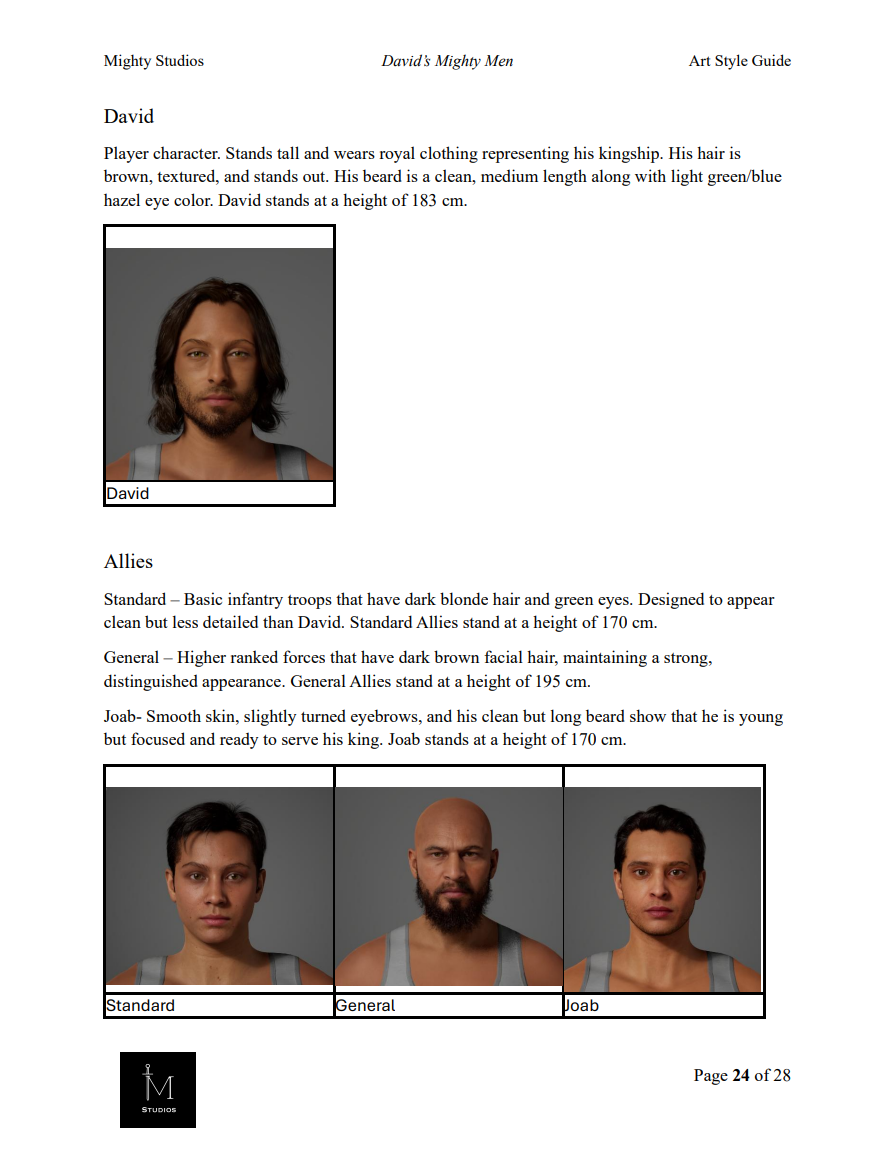
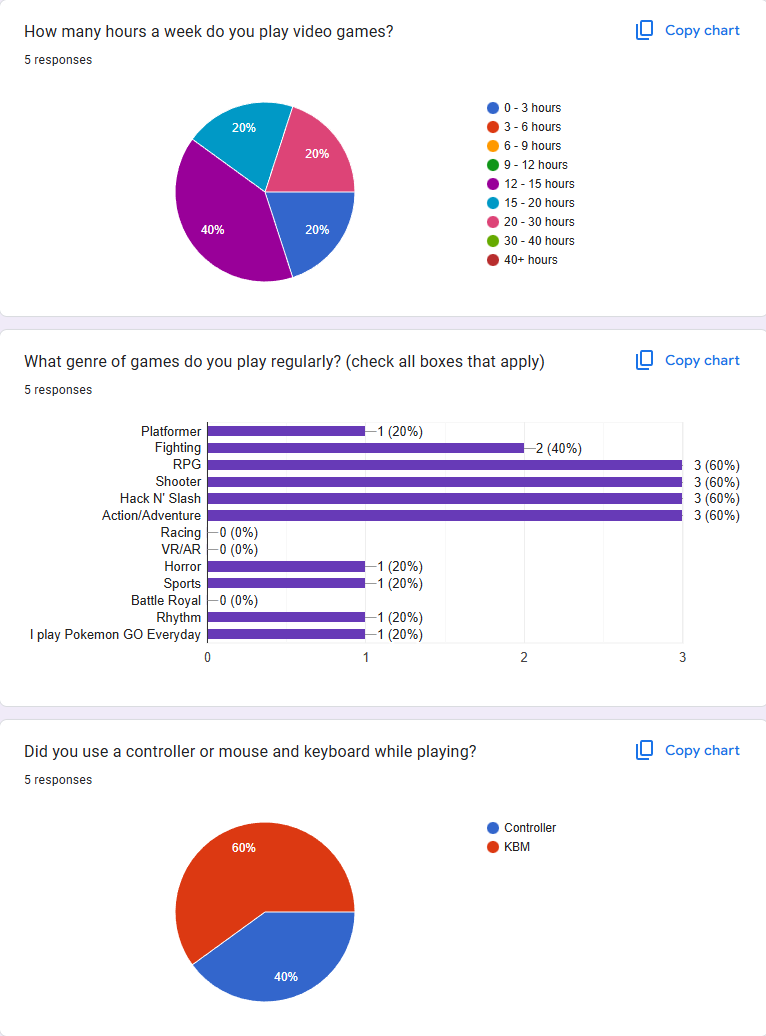
As Creative Director, I lead a team of six, directing the overall vision for the game while managing each department in terms of their quality. I oversee all aspects of the game’s development, including level design, gameplay mechanics, and artistic direction. I am in constant talks with the producer and leads, making sure the project vision is still in scope so that each department has a clear picture of their tasks for the week. While the producer makes sure that the team can accomplish goals in a specific amount of time, I make sure that all creative goals are met, having the final say on the result of what’s being made, including art, assets, mechanics, story, and more. I am also heavily involved in designing the documentation, including the GDD, ASG, Gantt charts, team contracts and more. Additionally, I am responsible for conducting playtesting sessions as development goes on, making playtesting reports and hearing feedback from testers and iterating that feedback into production. Here are some of my contributions as Creative Director.
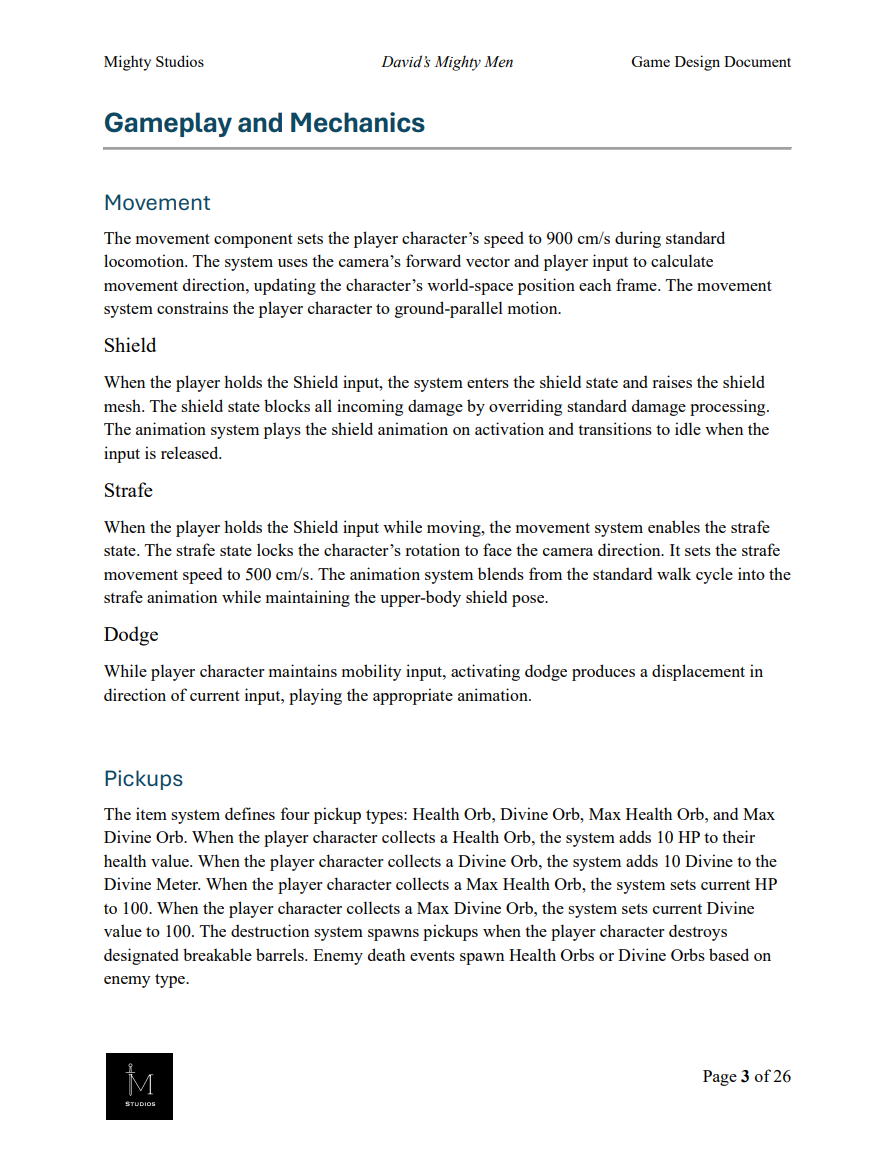
Game Design Document (GDD)
1 / 2
Click image to view full size.
Art Style Guide (ASG)
1 / 2
Click image to view full size.
Playtesting Report
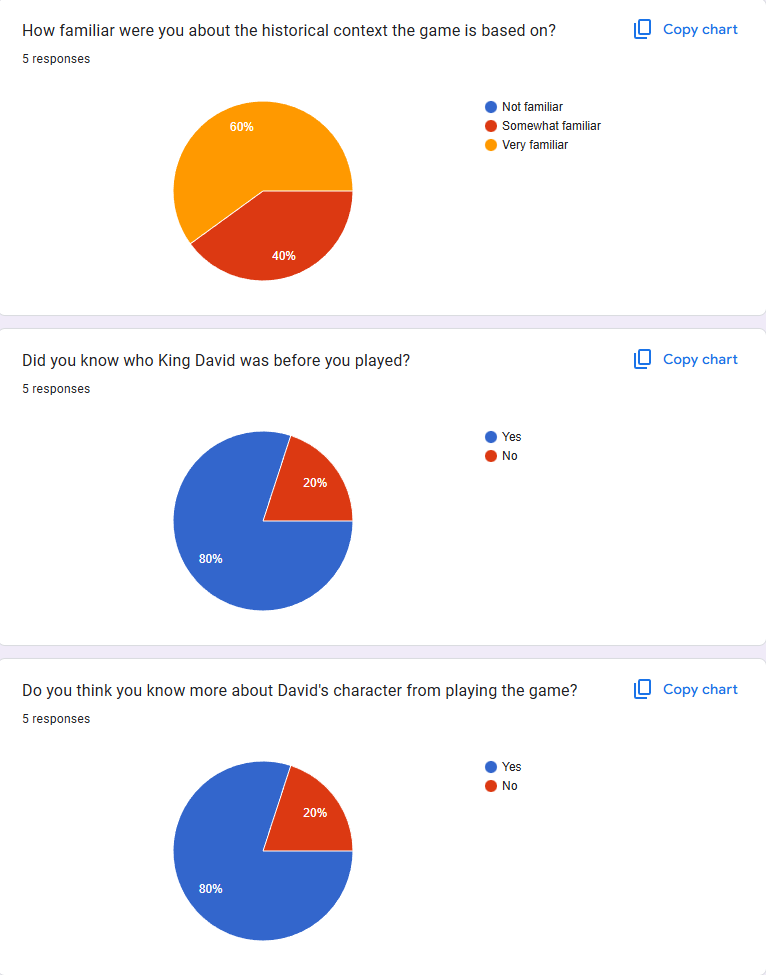
1 / 2
Click image to view full size.
Reflection
Reflection
When I first started this project, I wanted to blend the worlds of faith and video games together to create something truly unique. There are several awesome stories told in the Bible that can be made into games, and this is just one of them. I wanted to make a game centered around a biblical story that would be fun for all types of players to enjoy. I honestly didn't think an idea like this would even get past the pitch, let alone make it to vertical slice! To say I learned a lot from this experience would be a huge understatement.
As development progressed, I continued to challenge myself every day, learning a lot about team leadership, programming, UI design, and other aspects of game development. Most importantly, I learned to keep pushing on despite the many obstacles that came our way and the deadlines we were under. With a team of six and only three months practicing full production cycles, everyone had to carry on multiple roles and get out of their comfort zones in order to keep up the pace. I juggled the responsibilities of a project leader, vision holder, player programmer, UI designer, scriptwriter, motion capture actor, organizing voice recording sessions, organizing playtesting sessions, and writing over 54 pages of documentation at once for this project. Given the circumstances, I'm very proud of what we were able to accomplish!